Best Dive Computer for Cozumel Diving: Top 2026 Picks for Every Level
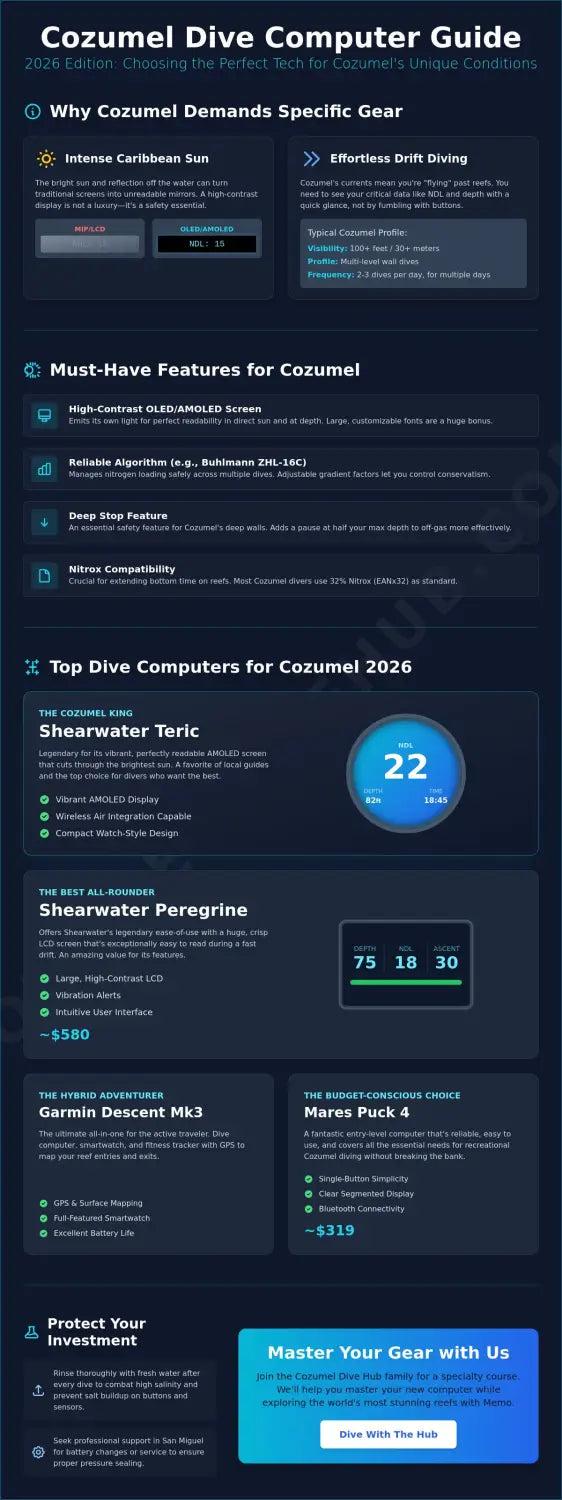
For Cozumel drift diving you want a large high-contrast display, nitrox and adjustable conservatism; air integration is optional. Picks run from the Cressi Leonardo 2.0 at $249.95 to the Shearwater Perdix 2 at $1,195.
Carmen Novelo · May 4, 2026 · 16 min read
For Cozumel diving, the computer you want is one with a large, high-contrast display you can read at a glance mid-drift, nitrox capability, and adjustable conservatism for repetitive multi-day profiles. Air integration is optional here; readability is not. Verified against manufacturer and major-retailer listings in August 2026, the strongest picks by use case are the Cressi Leonardo 2.0 ($249.95) and Suunto Zoop Novo ($299) as first computers whose batteries you can replace yourself, the Mares Puck 4 ($319) for Bühlmann with adjustable gradient factors on a budget, the Shearwater Peregrine ($580) as the mid-range default, and the Shearwater Perdix 2 ($1,195) for deep southern profiles because its battery is a standard AA you can replace on the boat. If you dive Cozumel once a year, renting a computer on the island for roughly $12 to $16 a day is a legitimate answer and may be the better one.
What Cozumel Diving Actually Demands From A Dive Computer
Cozumel is not a generic warm-water destination, and the generic roundup answer is not the right one here. Four conditions narrow the list.
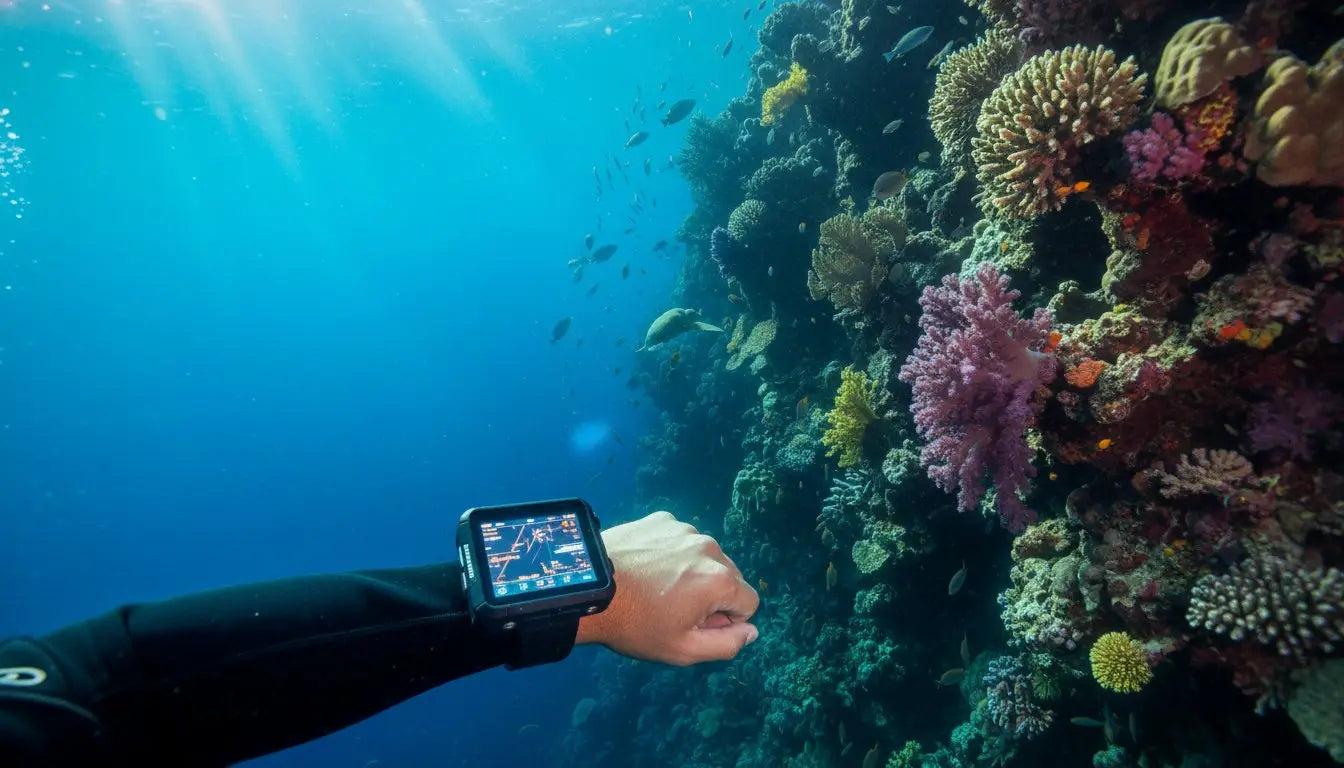
You are drifting, not swimming. The Yucatán Current carries you along the reef, so checking your computer means a quick glance at your wrist while the reef moves past. A cluttered screen or small digits cost you real attention. This is why display legibility outranks almost every other feature for drift diving here — more on what that feels like in the guide to what to expect on your first drift dive.
Nitrox is normal and cheap. Nitrox fills on the island run around $12 per tank at operators publishing rates in August 2026. Any computer worth buying handles nitrox, but check the range: some entry-level units cap at 50% oxygen, which is fine for the 32% and 36% mixes used here. See the Cozumel nitrox guide for why it suits this island's dive pattern.
You will dive repetitively for days. The standard Cozumel week is two to four dives a day for five or six days. That builds nitrogen loading faster than the occasional weekend, and it means conservatism settings — gradient factors, personal adjustment levels, or microbubble levels depending on the brand — genuinely matter rather than being a spec-sheet curiosity.
Some sites are deep and multi-level. Punta Sur, Devil's Throat, Maracaibo Reef and Colombia Deep are true deep reef profiles that start deep and step shallower. A computer that tracks a multilevel dive properly gives you materially more bottom time than one that does not.
There is a fifth factor that only matters because of where you are: you are on an island. A user-replaceable battery is worth paying for on a week-long trip, because a dead rechargeable on day three with no charger and no spare ends your diving.
Should You Rent A Dive Computer In Cozumel Instead?
Yes, for many people. If Cozumel is your one dive trip of the year and you own no other gear, renting a computer is a defensible choice and often the correct one.
Rates published by Cozumel operators in August 2026 sit in a narrow band. Blue Note Scuba lists a dive computer at $12 per day or 200 MXN. Deep Blue Cozumel bundles a computer with its regulator rental at $16 per day. Across a six-day trip that is roughly $72 to $96 — against $250 to $600 to buy.
The honest trade-offs:
- Against renting: you are learning an unfamiliar menu system on a moving boat, you cannot preset your own conservatism before you travel, and your dive history lives on someone else's device, so a rental computer does not carry your residual nitrogen between shops if you switch operators mid-trip.
- For renting: no capital outlay, no battery anxiety, no flying with another piece of electronics, and if it floods it is not your problem.
- The middle path: rent on your first trip, decide whether you are going to keep diving, and buy before your second. The gear rental versus bringing your own comparison and the Cozumel gear rental price guide work through the same maths for the rest of your rental gear.
If you do buy, the flying with dive gear guide covers carrying it — a dive computer belongs in your carry-on, not your checked bag.
Dive Computers Compared For Cozumel Conditions
Every model below was checked against the manufacturer's own store or a major dive retailer in August 2026. Prices are USD and move; treat them as a snapshot, not a quote. Models we could not confirm as currently sold were removed rather than carried forward.
| Model | Price (checked Aug 2026) | Display | Battery | Algorithm & conservatism | Nitrox | Air integration | Depth rating |
|---|---|---|---|---|---|---|---|
| Cressi Leonardo 2.0 | $249.95 | Large segment LCD, oversized digits | CR2430, user-replaceable | Cressi RGBM, three conservatism levels, optional deep stop | Up to 50% | No | 120 m |
| Suunto Zoop Novo | $299 | Large matrix LCD | CR2450, user-replaceable | Suunto RGBM, Personal 0–2 plus altitude | 21–50% | No | 80 m |
| Mares Puck 4 | $319 | 800-segment LCD | CR2450, user-replaceable | Bühlmann ZH-L16C, adjustable gradient factors | Yes | No | 150 m |
| Aqua Lung i330R | $489 | Colour IPS, high brightness | Rechargeable | ZHL-16C sport, adjustable conservatism | 21–100%, 3 mixes | No | 100 m |
| Shearwater Peregrine | $580 | 2.2 in colour LCD | Rechargeable, approx. 30 h per charge | Bühlmann ZHL-16C with gradient factors | Multi-gas | No | 120 m |
| Shearwater Tern | $595 | 1.3 in AMOLED | Rechargeable, wireless | Bühlmann ZHL-16C with gradient factors | 3-gas nitrox | No | 120 m |
| Garmin Descent G2 | $699.99 | 1.2 in AMOLED touchscreen | Rechargeable, up to 27 h dive mode | Bühlmann ZHL-16C with gradient factors | Air, nitrox, trimix | Optional transmitter | 100 m |
| Shearwater Peregrine TX | $760 | 2.2 in colour LCD | Rechargeable | Bühlmann ZHL-16C with gradient factors | Multi-gas | Yes, included support | 120 m |
| Shearwater Perdix 2 | $1,195 | 2.2 in colour LCD | AA, user-replaceable | Bühlmann ZHL-16C with gradient factors | Multi-gas, trimix | Up to 4 transmitters | Expedition-rated |
| Shearwater Teric | $1,199 | 1.39 in AMOLED, sapphire | Rechargeable, wireless dock | Bühlmann ZHL-16C with gradient factors | Multi-gas, trimix | Optional transmitter | 200 m |
Sources: shearwater.com, us.suunto.com, cressiamerica.com and Dive Right In Scuba, Divers Direct, Paragon Dive Store and scuba.com listings, all checked August 2026. Cressi lists the Leonardo 2.0 at an MSRP of $399.95 on its own store; $249.95 is the current street price at authorised retailers.
Your First Dive Computer: Budget Models With Replaceable Batteries
If Cozumel will be among your first dive trips — and if you are working through the complete beginner's guide to scuba diving in Cozumel or asking whether Cozumel suits beginners — buy simple and buy legible.
Cressi Leonardo 2.0, $249.95. Single-button interface, an edge-to-edge display with oversized digits, and a CR2430 cell you can change yourself. Cressi RGBM with three conservatism levels and an optional deep stop. Nitrox to 50%, which covers every mix you will be handed in Cozumel. Rated to 120 m, far beyond where you should be.
Suunto Zoop Novo, $299. The same argument in a different shape: enormous digits, CR2450, and a Personal adjustment of 0 to 2 that lets you dial in extra conservatism for a week of repetitive diving. The 80 m depth rating is the lowest here and is still deeper than any recreational Cozumel profile.
Mares Puck 4, $319. The one entry-level computer on this list running Bühlmann ZH-L16C with adjustable gradient factors — the same algorithm family as computers costing four times as much. If you expect to keep diving and want the settings to still make sense in three years, this is the better $70.
All three take a coin cell you can carry in your save-a-dive kit. That is the single most practical feature at this price on a trip like this.
One Trip A Year: The Sweet Spot
If you dive one or two weeks annually and want the computer to disappear into the background, spend once and stop thinking about it.
Shearwater Peregrine, $580. A 2.2-inch colour screen that is genuinely readable at a glance, a two-button interface with almost nothing to get wrong, Bühlmann ZHL-16C with gradient factors you set yourself, and roughly 30 hours per charge. That is a full Cozumel week on one charge with margin. No air integration, which keeps both the price and the display uncluttered.
Shearwater Tern, $595. The same algorithm and the same gradient-factor control in a 1.3-inch AMOLED watch you can wear off the boat. Choose it over the Peregrine if you want a watch form factor; choose the Peregrine if you want the biggest possible numbers.
Aqua Lung i330R, $489. A bright colour IPS screen, rechargeable, ZHL-16C in its sport configuration with an adjustable conservatism factor, and nitrox to 100% across three mixes. Worth a look if you want colour below the Shearwater price.
All three are rechargeable. Bring the charger and charge on the surface interval day, and it is a non-issue; forget it, and it is a real one.
Frequent Divers: When Air Integration Earns Its Price
Air integration is a convenience, not a safety requirement, and it is the feature most oversold in dive computer roundups. On a Cozumel drift you still carry an SPG, the live boat follows the group, and the guide ends the dive on the first person's reserve regardless. What integration actually buys you is one fewer instrument to find and a gas-time calculation that reflects your real breathing rate.
It earns its money if you dive often enough to care about trend data across dozens of dives, or if you are moving toward the profiles in the deep diver specialty.
Shearwater Peregrine TX, $760. The Peregrine with transmitter support. Same screen, same algorithm, same simplicity.
Garmin Descent G2, $699.99. A 1.2-inch AMOLED touchscreen dive computer that is also a full GPS watch, with up to 27 hours in dive mode and Bühlmann ZHL-16C with gradient factors. Optional transmitter. The GPS surface marks are a genuine nicety on drift dives where you surface a long way from where you dropped.
Shearwater Teric, $1,199. A 1.39-inch AMOLED behind sapphire, seven dive modes, trimix, and optional air integration in a watch you can wear to dinner. Rated to 200 m. It is not better than a Peregrine underwater — it is smaller, prettier and more capable at the technical end.
Deep Southern Sites And Technical Diving
Punta Sur and the Devil's Throat swim-through, Maracaibo Reef and Colombia Deep are the sites that change the requirement. These are deep, current-driven, multi-level wall dives where your maximum depth is reached in the first minutes and the rest of the dive steps shallower along the drop-off. The Punta Sur and Devil's Throat guide covers what the sites ask of the diver; here is what they ask of the computer.
Shearwater Perdix 2, $1,195. The reason it belongs on a Cozumel list specifically is the battery: a single standard AA. You can buy a replacement at a corner shop in San Miguel and be diving an hour later. Nothing else at this level offers that. Add multi-gas, trimix, gradient factors and support for up to four transmitters, and it covers everything from a reef drift to genuine technical diving.
Shearwater also currently sells the Perdix 3 from $1,295, the Petrel 3 at $1,325, and the Tern TX at $805, all verified on shearwater.com in August 2026. For recreational Cozumel diving none of them do anything the Perdix 2 or a Peregrine will not.
If you are diving beyond recreational limits here, the technical diving guide for Cozumel is the relevant read, and the PADI Deep Diver course in Cozumel is the usual route into these profiles.
What You Actually Need Versus What You Are Sold
| Feature | Does Cozumel need it? | Why |
|---|---|---|
| Large, high-contrast display | Essential | You read it mid-drift with one glance while the reef moves past |
| Nitrox capability | Essential | Nitrox is standard here and costs around $12 a tank |
| Adjustable conservatism or gradient factors | Essential | Five days of repetitive diving is the Cozumel pattern |
| Multi-level profile tracking | Important | Southern wall dives start deep and step shallow |
| User-replaceable battery | Important | You are on an island, a long way from a service center |
| Audible or vibration alarms | Useful | Vibration cuts through a boat full of beeping computers |
| Air integration | Optional | Convenient, not required; you still carry an SPG |
| Digital compass | Optional | The guide navigates; the live boat collects you |
| GPS surface marking | Optional | Pleasant on drifts, irrelevant underwater |
| Trimix and CCR support | Not needed | Recreational Cozumel diving never uses it |
| Freedive mode | Not needed | Unless you also freedive |
| Depth rating beyond 100 m | Not needed | No recreational Cozumel profile goes near it |
Setting Conservatism For A Week Of Repetitive Diving
This is where a dive computer earns its price in Cozumel, and it is the setting most divers never touch.
On a Bühlmann computer — the Peregrine, Tern, Teric, Perdix, Puck 4, i330R or Descent — conservatism is set with gradient factors, written as GF Low / GF High. Shearwater ships the Peregrine on a moderate default; lowering GF High makes the computer more conservative and shortens your no-decompression limit. Divers doing four dives a day for a week commonly run something more conservative than the factory default rather than less. On RGBM computers such as the Leonardo 2.0 and Zoop Novo, the equivalent control is the Personal or conservatism level — set it up, not down, for a multi-day trip.
Three practical points for Cozumel specifically:
- Set it before you travel, on land, with the manual open. Not on a rocking boat with a briefing running.
- Do not change it mid-trip. Increasing conservatism after loading nitrogen on earlier dives produces confusing results; pick a setting and keep it.
- Extend your safety stop rather than relying on settings alone. Five minutes instead of three costs nothing on a drift where the boat is following you.
Your computer's guidance is a model, not a guarantee. Add margin, ascend slowly, and know where the Cozumel hyperbaric chamber is before you need it. Decompression sickness risk rises with repetitive multi-day profiles, which is exactly what you have booked. The same logic applies to your departure — see the flying after diving guidelines.
Batteries, Servicing And What To Do If It Dies Mid-Trip
If it takes a coin cell. Carry a spare CR2430 or CR2450 and a spare O-ring. Both are small, cheap and weigh nothing. Several San Miguel dive shops will change a battery and pressure-test the seal, but stock of specific cells is not guaranteed in peak season, and a Sunday can cost you a diving day.
If it is rechargeable. Bring the charger and the correct cable. Shearwater's units use a dedicated charging dock rather than a plain USB-C port on the computer, so a generic cable will not save you. Charge every second or third night rather than waiting for a low-battery warning.
If it dies anyway. Rent one. Operators publishing rates in August 2026 list computers at roughly $12 to $16 a day. A rental computer has no record of your previous dives, so treat the first dive on it as if you had no residual nitrogen data — dive conservatively, stay well inside limits, and tell your guide during the dive briefing that you have switched computers.
Rinsing. Soak it in fresh water after diving, work the buttons under water, and dry the charging contacts before storing. Salt left in a button seat is the most common cause of an unresponsive computer.
What Your Dive Log Is Actually For
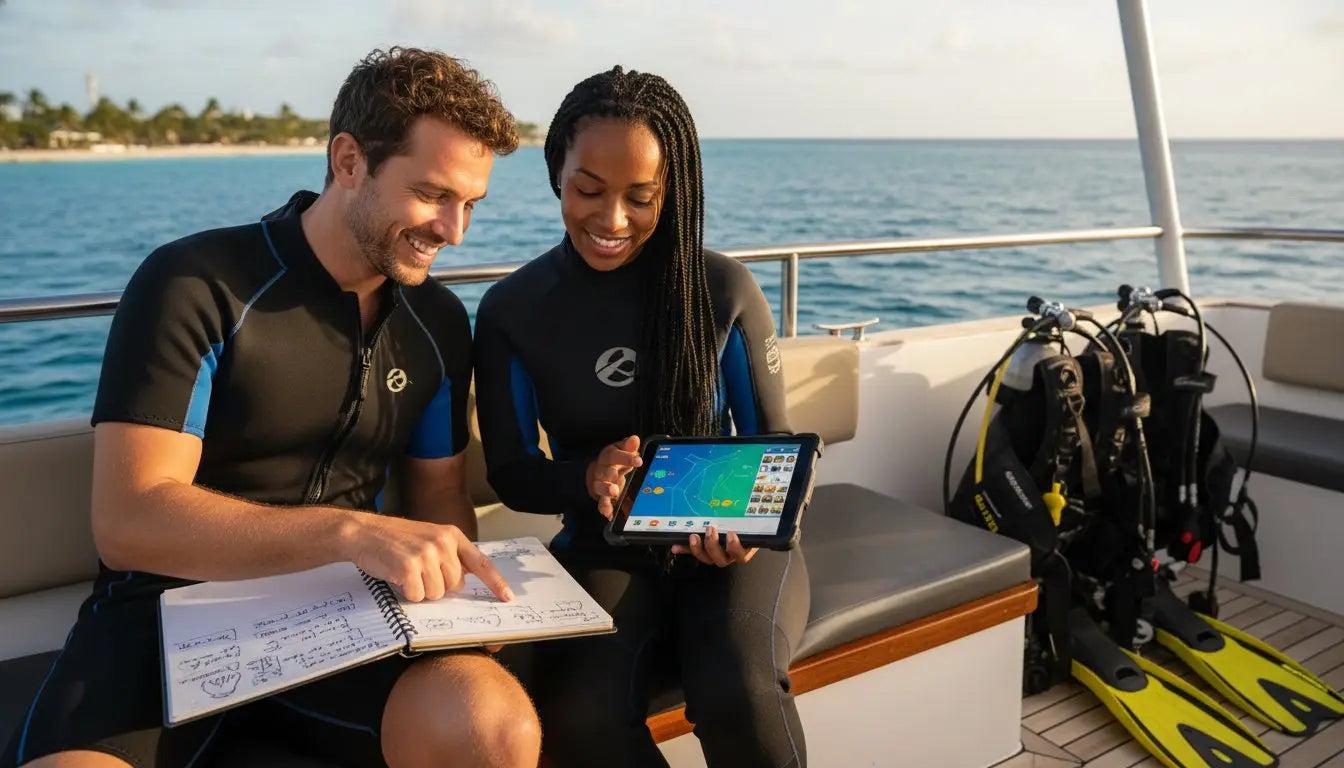
Your computer records every dive whether you look at it again or not, and that record has two practical uses that have nothing to do with nostalgia.
The first is that Cozumel operators ask you three questions before they decide anything: your certification level, roughly how many dives you have, and the date of your last one. Those three answers determine whether you are put on Paradise or on Punta Sur, and whether a refresher dive gets suggested. A logbook is what turns "about forty, maybe two years ago" into a number you can actually give them.
The second is that your computer's log is the only objective record of what your body actually did. Depth, bottom time, ascent rate and surface interval are recorded to the second, and memory is not. If you ever need to describe a profile to a doctor or to chamber staff, that download is the answer, and nothing you write by hand replaces it.
What Is Worth Recording After A Cozumel Dive
| What to record | Why it matters practically |
|---|---|
| Date and site name | The date of your last dive is the question every shop asks; a long gap usually triggers a refresher |
| Running dive number | The single figure operators and course prerequisites are actually gating on |
| Max depth and bottom time | Downloaded automatically; the objective record of the profile you dived |
| Gas and mix | Which nitrox percentage you actually breathed, not what you booked |
| Weight worn and exposure suit | The one entry that improves your very next dive — stops you re-guessing weighting every trip |
| Start and end tank pressure | Your real air consumption trend, which is what buys you longer dives |
| Current strength and entry type | Cozumel-specific: mild, moderate or strong, and whether it was a negative entry |
| Operator and guide | Useful when you rebook, and when a dive needs verifying |
Two handwritten lines are enough. The computer has already captured the numbers; what it cannot capture is how much lead you wore and how hard the current ran.
Paper, App Or Computer Download?
The computer download is the accurate part and it is free. Shearwater Cloud, the Suunto app, Garmin Dive and the Mares app all pull dives off the device and store the full profile. The limitation is that the data lives on one device until you export it, so export or sync occasionally rather than trusting the watch.
An app — an agency digital log, or a third-party logger such as Subsurface, MacDive or Diving Log — is where the download plus your own notes end up searchable, sortable and backed up somewhere that is not the computer itself. This is the practical default for most divers now.
Paper still earns its place for one reason: it takes a stamp and a signature. It also works with a wet hand on a moving boat, which no phone does.
The workable combination is all three doing what each is good at: the computer records the profile, an app holds the archive, and a paper book carries stamps and signatures if you are working toward something that needs them.
Does Anyone Actually Check?
For fun diving, no. Nobody audits a recreational log, and a self-recorded dive count is taken at face value.
It changes when a dive count becomes a formal prerequisite. Rescue Diver, Divemaster training and some technical courses require a specific number of logged dives, and at that point agencies want dives recorded properly rather than estimated — which is the argument for logging from dive one rather than reconstructing later.
Worth knowing: your certifying agency holds your certification record online and can replace a lost card, but it does not hold your dive log. That is yours to keep, which is the whole case for a backup that is not the paper book in your bag.
Where To Go From Here
Choose on the four things Cozumel actually tests: a display you can read while drifting, nitrox, conservatism you can adjust, and a battery you can deal with on an island. Then stop optimising. A $319 Mares Puck 4 with gradient factors set sensibly and a spare cell in your bag will serve you better on a Cozumel week than a $1,200 watch you have not configured.
If you are still choosing dives rather than gear, browse the Cozumel dive sites guide, read up on how strong the current runs here and how deep Cozumel's reefs go, or look at dive courses in Cozumel — a nitrox certification through the PADI Enriched Air Nitrox course pairs naturally with a new computer, and Advanced Open Water opens the southern sites.
Plan your Cozumel dive trip — dates, sites, conditions and what to book first, in one place.
Frequently Asked Questions
Do I need my own dive computer to dive in Cozumel?
Can I rent a dive computer in Cozumel?
Does a dive computer for Cozumel need to be nitrox capable?
Is air integration worth it for Cozumel drift diving?
What happens if my dive computer battery dies during a dive trip?
How conservative should I set my dive computer for repetitive Cozumel diving?
Which dive computer is best for a first-time diver in Cozumel?
Do Punta Sur and Devils Throat require a special dive computer?
Should a dive computer travel in carry-on or checked baggage?
Do Cozumel dive shops ask how many dives you have?
Share This Article

Carmen Novelo
Carmen Novelo is a Cozumel native and an active scuba instructor and dive guide on the island. She has spent twelve years diving the Cozumel reef system, and writes about its dive sites, conditions and marine life for Cozumel Dive Hub.